App 2024 – present
3DCDesign
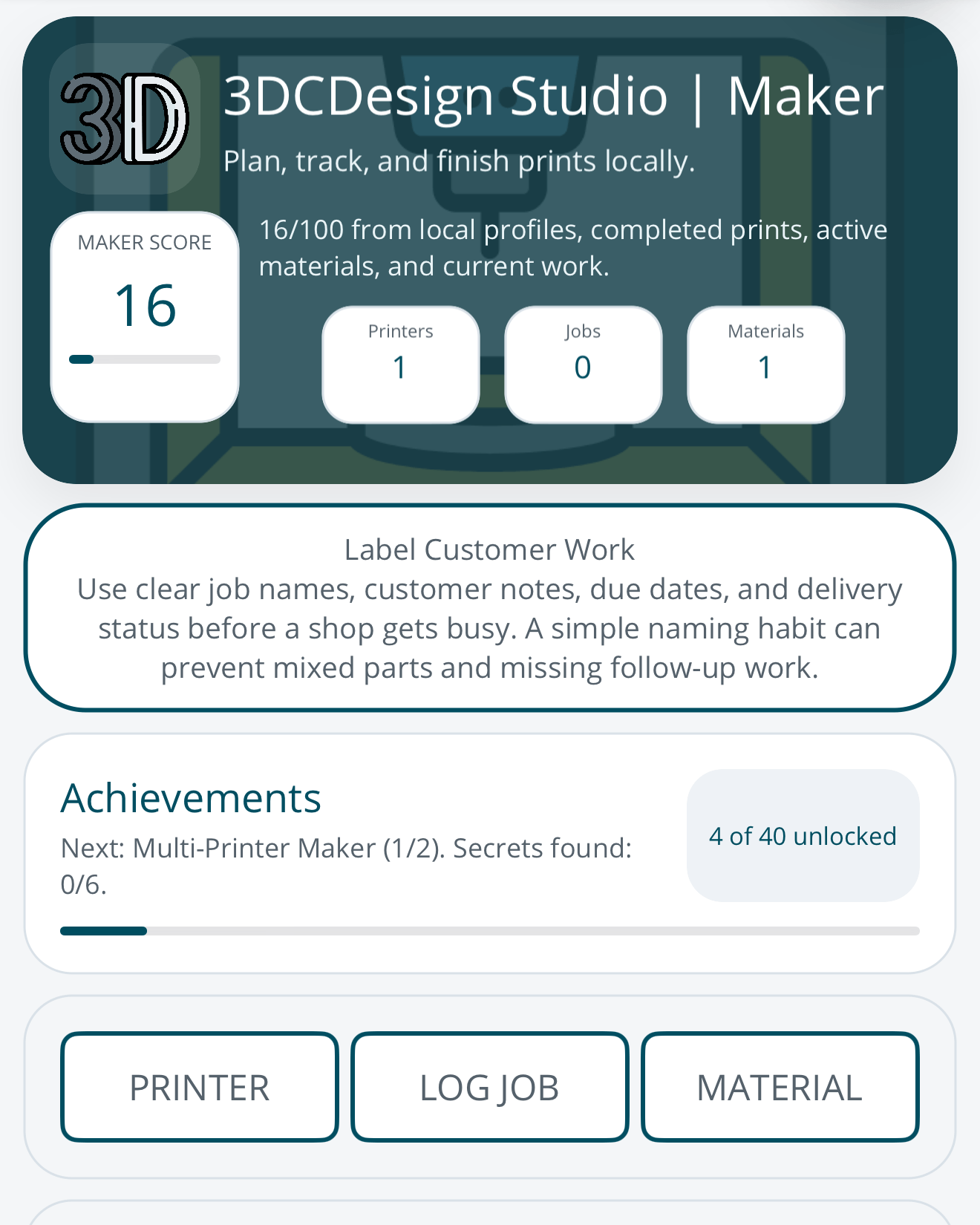
Print-shop organizer for makers — printer profiles, jobs, materials, estimates, and reports, kept local rather than in a cloud service.
Why it exists
3DCDesign started as my own print-shop tool: one place for my printer profiles, print jobs, materials, and cost estimates, kept on my own device rather than in someone else’s cloud. It grew into an app for other makers and small 3D printing shops. It shares a name with the 3DCDesign shop, but this page is the app; the designs and prints have their own 3D Design & Physical Products page.
What it does
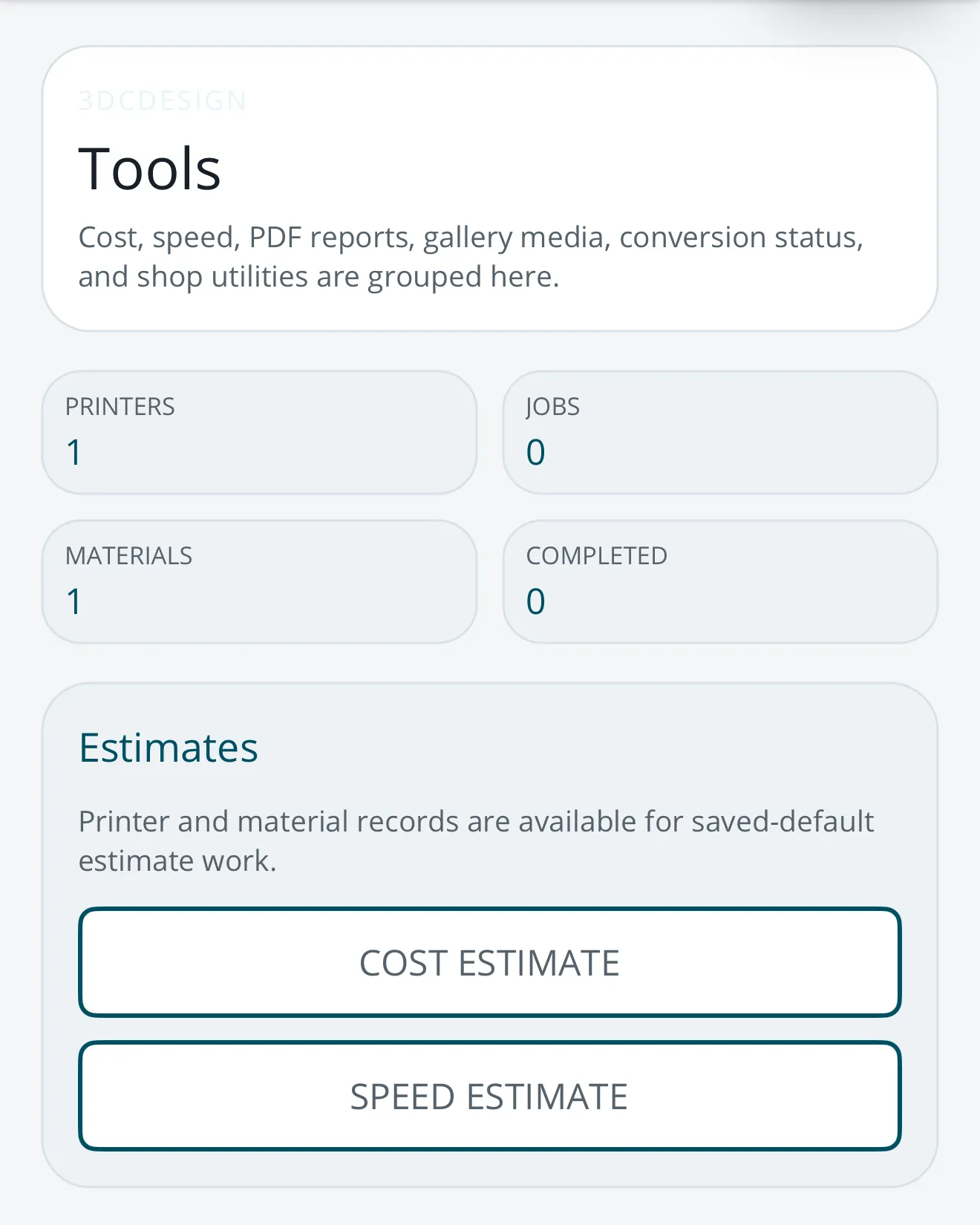
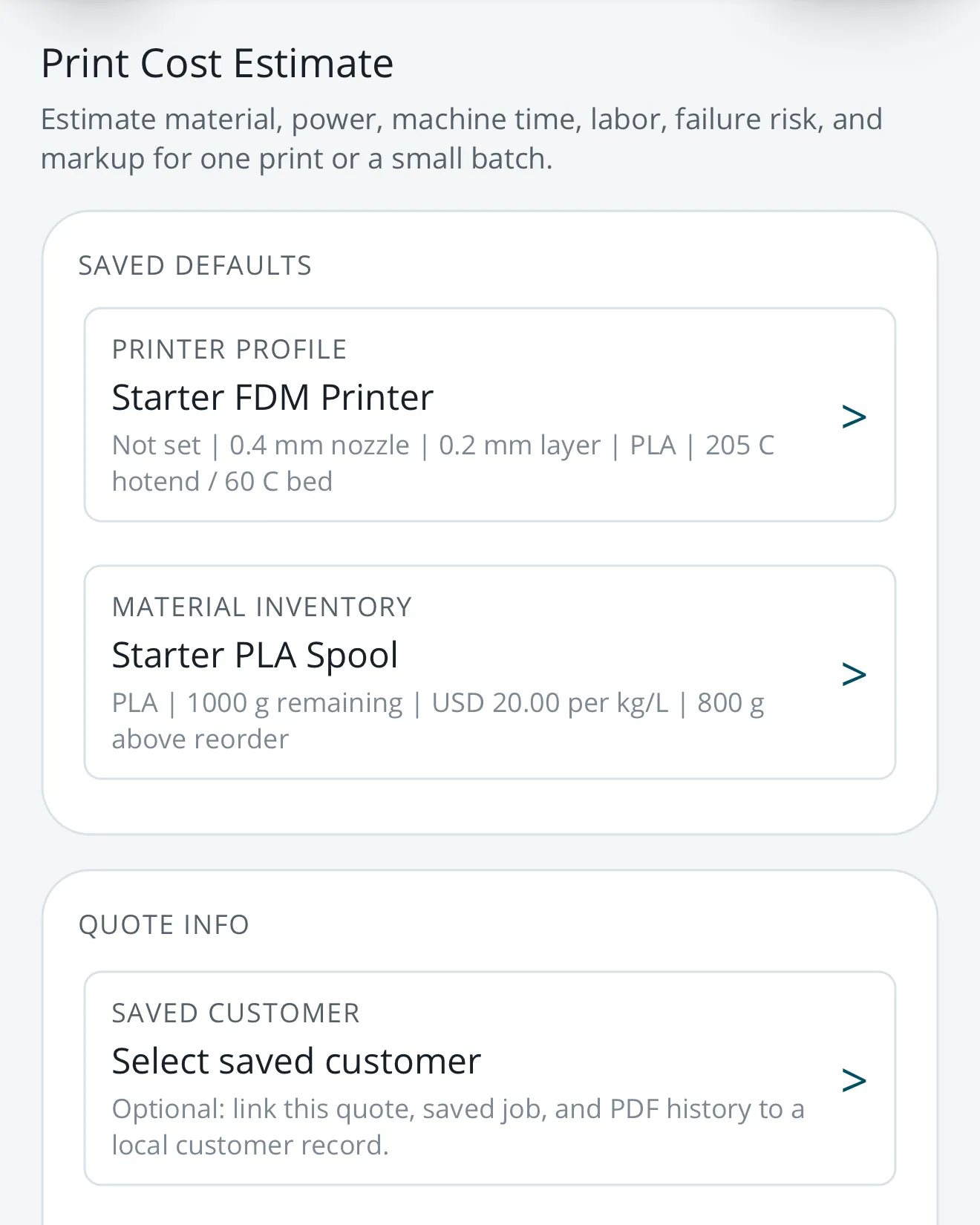
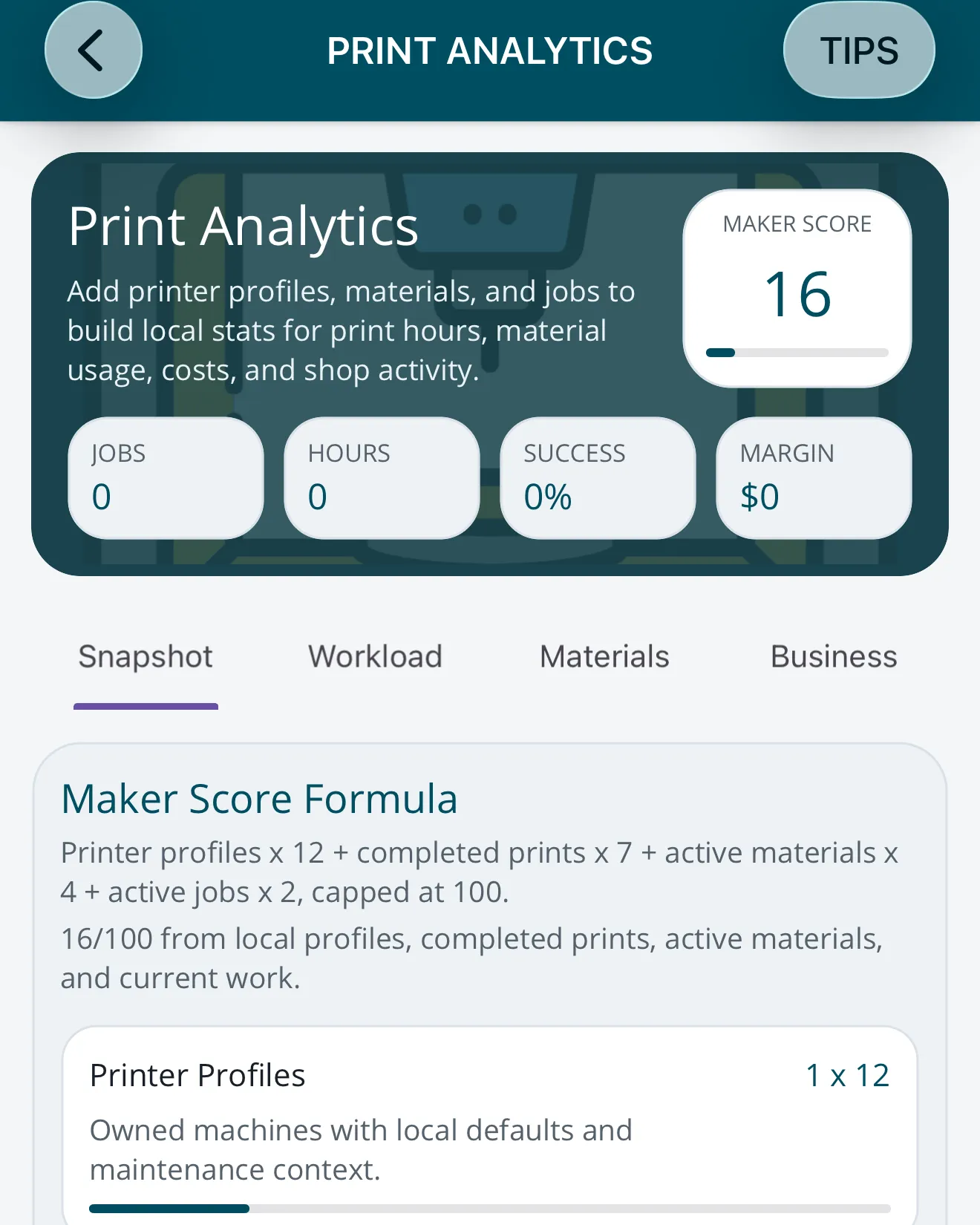
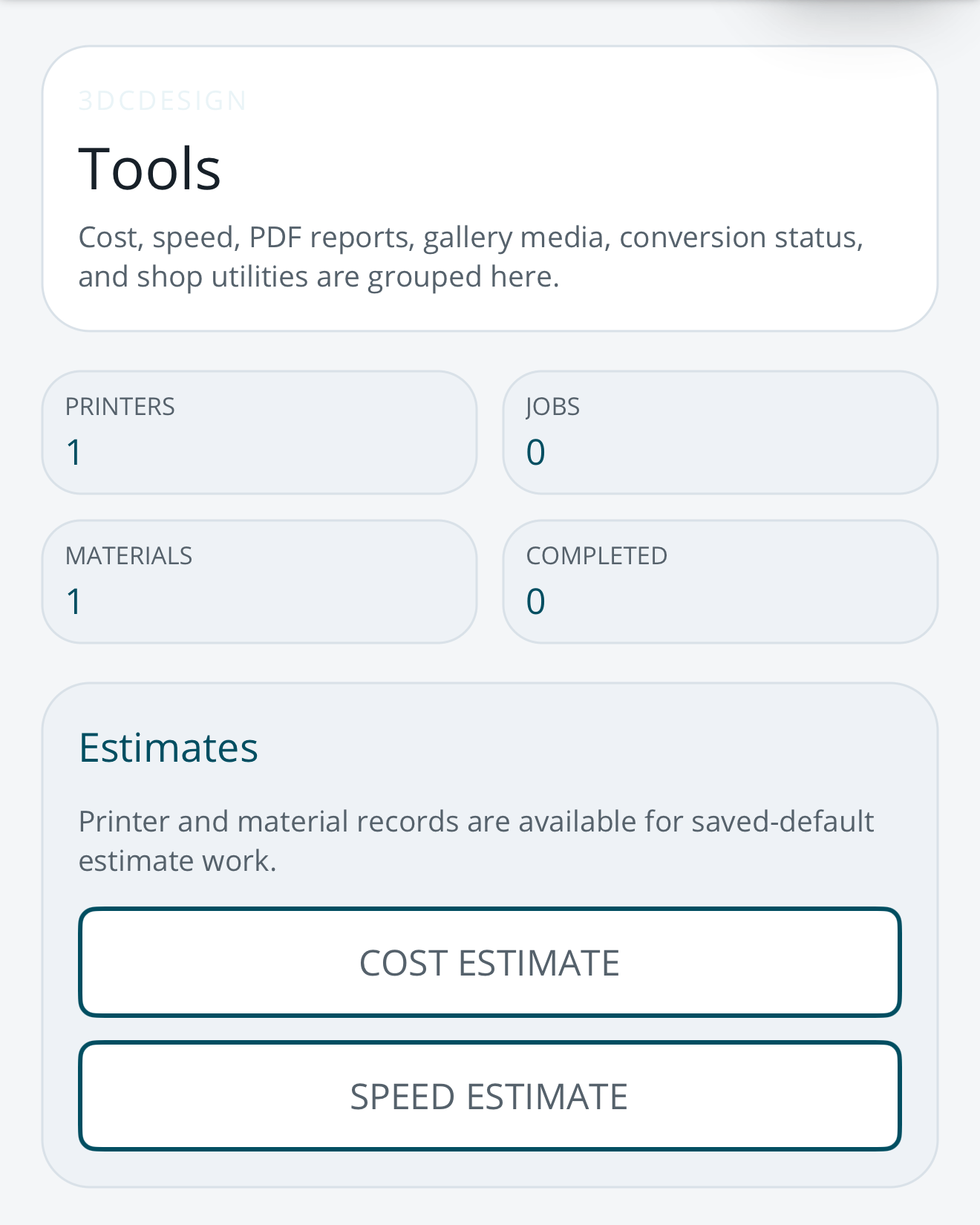
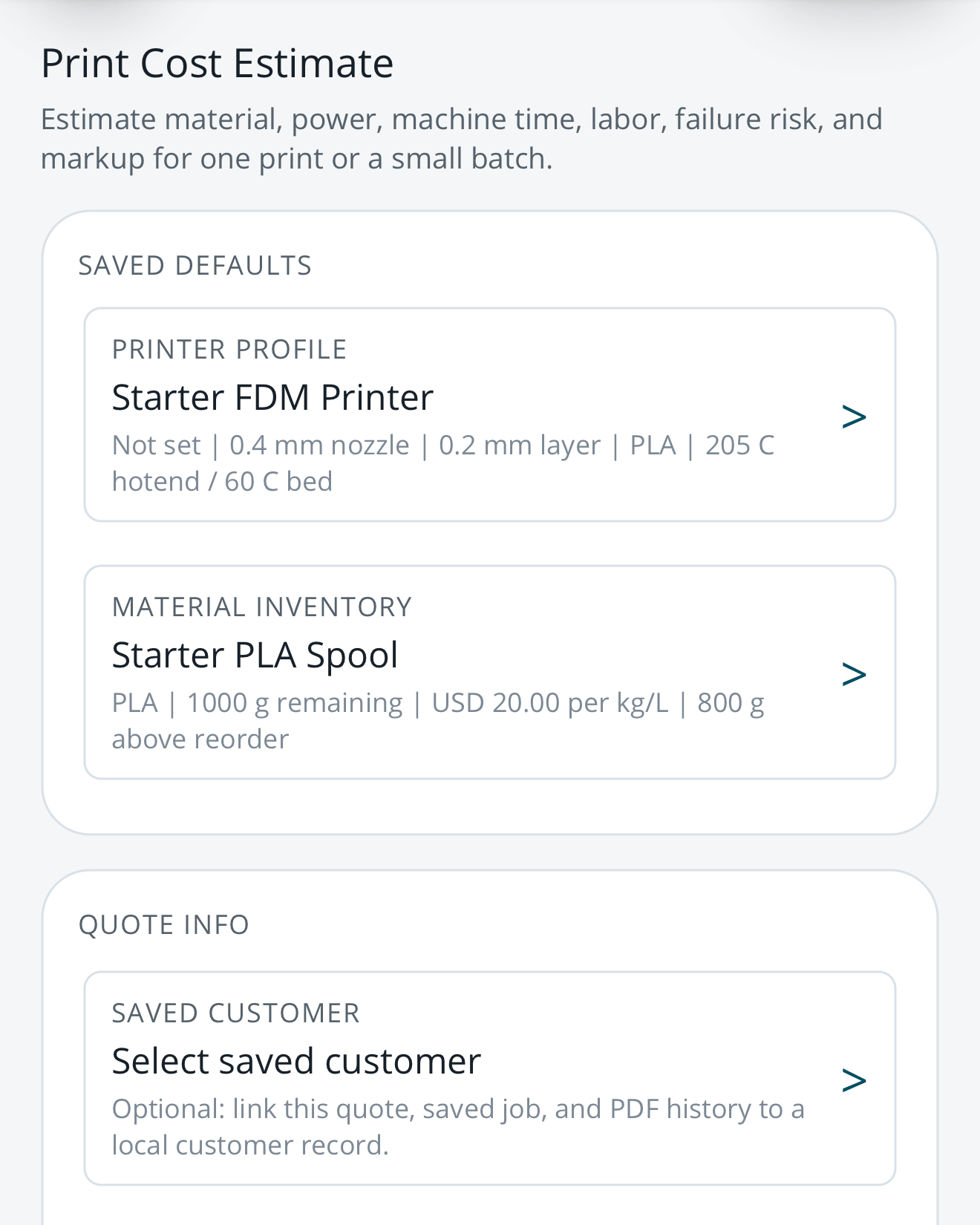
Build a profile for each printer you own, keep filament and resin inventory with stock history and reorder signals, and log print jobs with their printer, material, costs, and customer or quote details. Cost and print-time estimates start from your saved defaults. Estimates and monthly reports become customer-safe or internal PDFs, kept in a local document history, and Print Analytics shows printer workload, material usage, quote value, tracked cost, and estimated margin.
It also carries reference material: a printer catalog, material guidance, infill and printing-technique references, a glossary, and practical guides. A Gallery organizes print photos, videos, and files and can link them to jobs, printers, and materials. OBJ files convert to STL, and the app can connect directly to a supported Moonraker/Klipper, OctoPrint, or PrusaLink host on your own network.
Your records stay on your device. There is no login, none of your records or media go to a 3DCDesign server, and the app has no advertising, behavioral analytics, or cross-app tracking.
How it is built
The iPhone, iPad, and Android apps are a single .NET MAUI project on .NET 10. Printers, jobs, materials, and customers live in a SQLite database on the device, and the printer catalog and guides ship inside the app, so nothing depends on an account or a server. 3DCDesign is one of four apps on my shared .NET MAUI base, with Adventure Cache, Your Whey Fitness, and Cache Creature, and it keeps its own identity, palette, and PDF viewer on top of it. An automated test suite covers backups, database migrations, and the cost calculator.
Where it stands
3DCDesign is live on the App Store and Google Play. It is free to download, and the core tracking tools stay free. Premium Backup is an optional subscription for creating portable backup files, with Gallery media included if you choose, and restoring a compatible backup never needs it.