Open source
Keydial Commander
Turns the Huion Keydial Mini (K20) into a Stream-Deck-style macro pad on Linux — remap all 18 keys and the dial to shortcuts, chords, macros, app launches, and profile switches.
Why it exists
The Huion Keydial Mini (K20) has 18 keys and a dial, and no useful way to configure it on Linux. Keydial Commander fixes that.
What it does
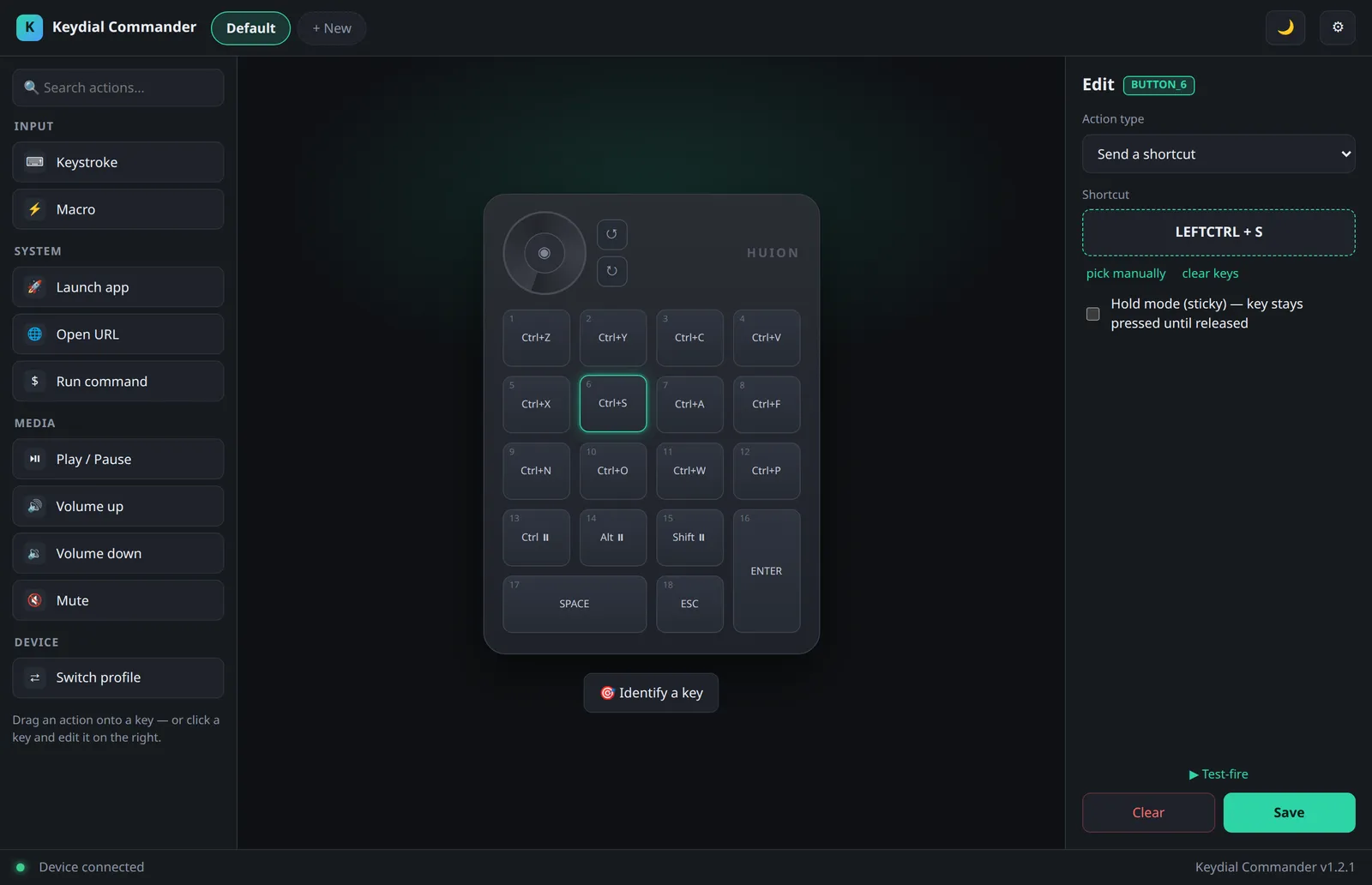
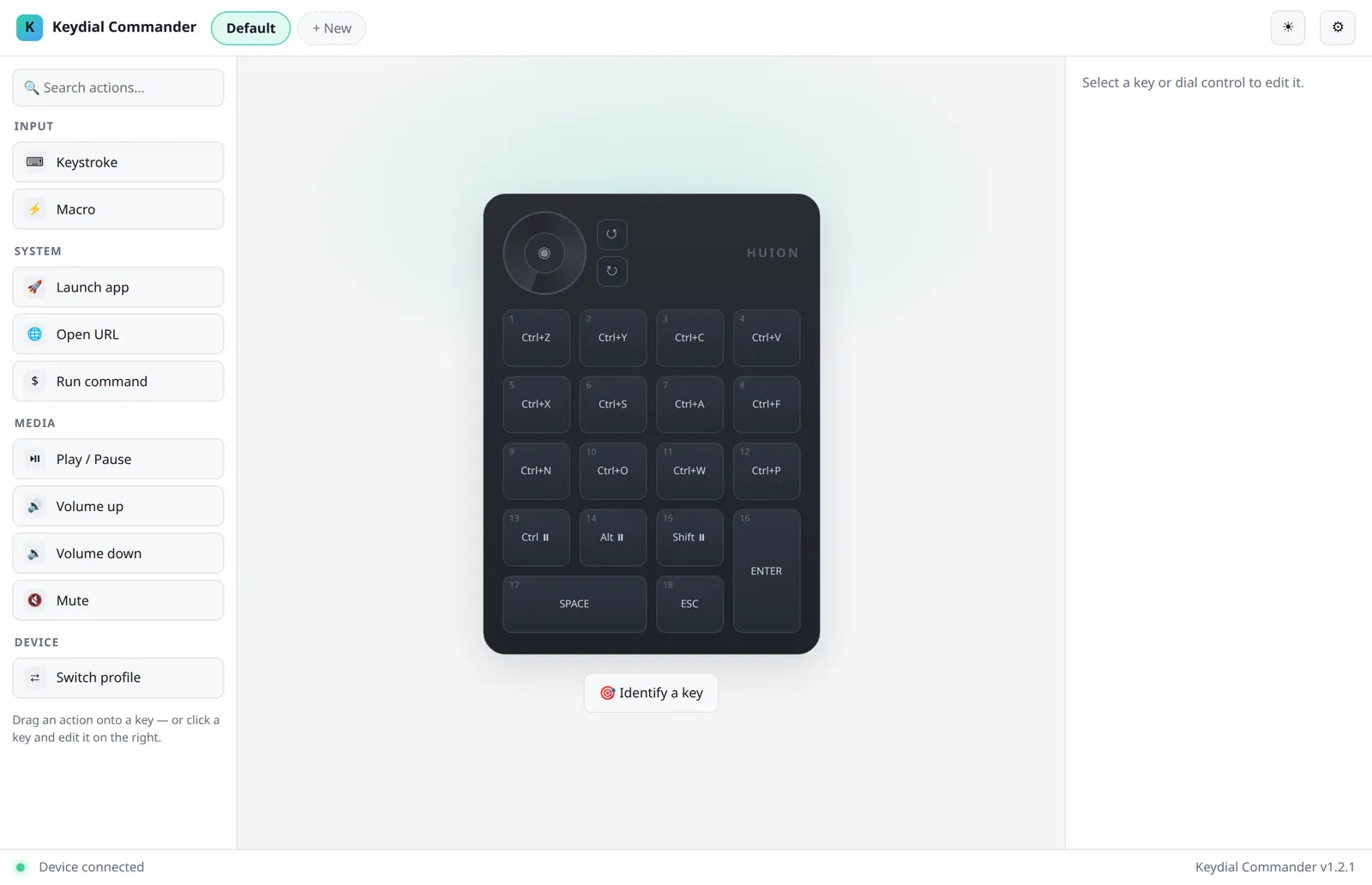
Map every key and the dial to shortcuts, chords, multi-step macros, app launches, and profile switches from a visual editor: click a key on the picture of the device, or drag an action onto it. Keys light up as you press them, and any action can be test-fired from the editor. It works over Bluetooth and USB, with no root at runtime.
How it is built
A Python driver grabs the device through Linux evdev, so the factory keystrokes never reach your apps, and emits your actions through uinput as a user service. Profiles are YAML files that save as you edit. A CLI, a local HTTP/WebSocket API, and a React interface all drive the same service. Commands launch programs directly, never through a shell.
Where it stands
Alpha, Linux-only, MIT-licensed, and maintained by one person. Setup needs a one-time device-access and service install.